NOL Pay App – Check Balance, Recharge & Use Digital NOL
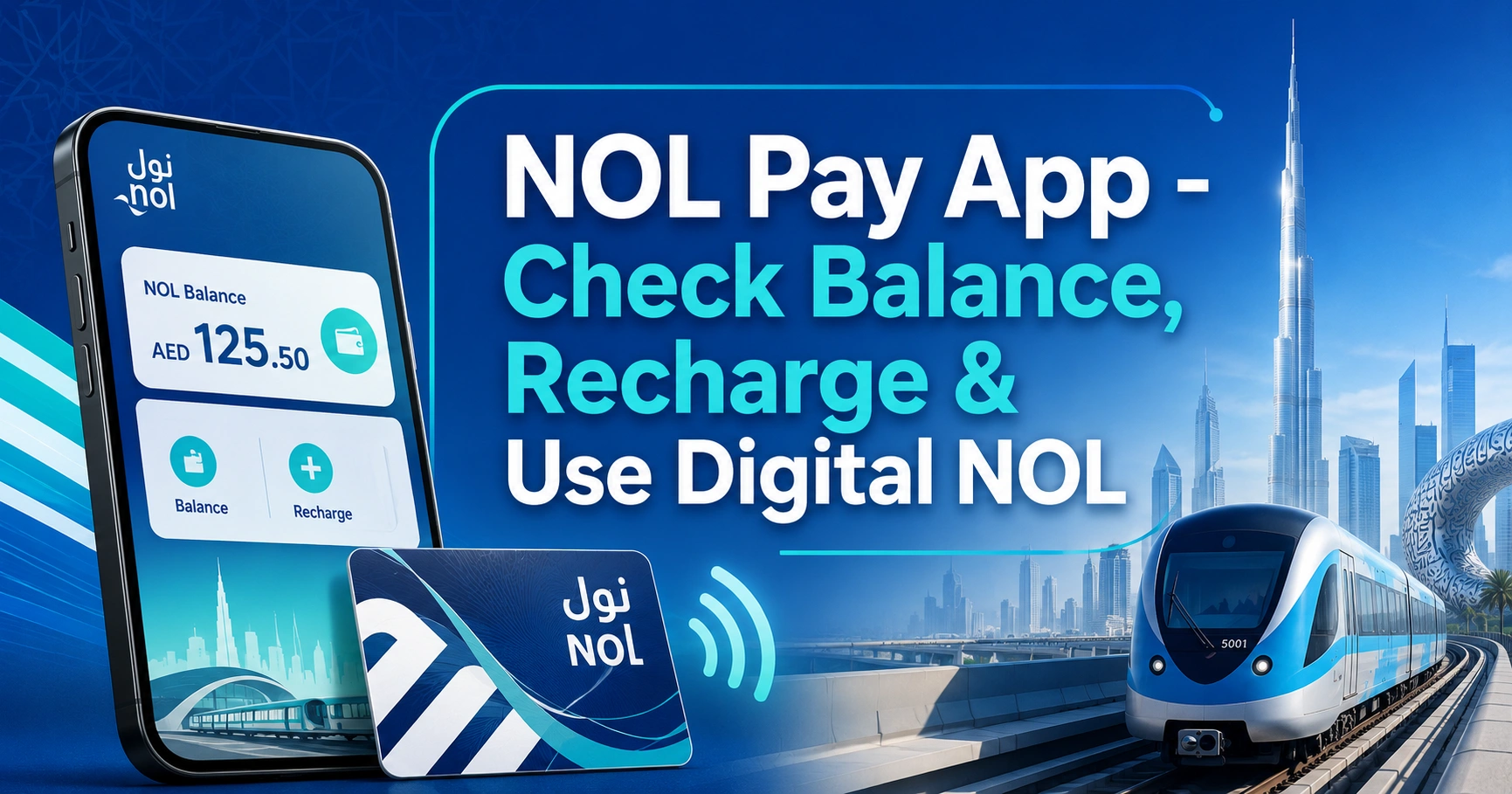
The nol Pay app is the official RTA mobile app for managing nol cards in Dubai. It helps users check nol card balance, top up cards, buy travel passes, manage personal nol cards, and use digital nol options on supported phones.
For daily commuters, it is one of the fastest ways to handle nol card services without visiting a Metro station, ticket office, or kiosk. It is especially useful when your balance is low, your travel pass is expiring, or you want to check your card details before using Dubai Metro, buses, trams, or marine transport.
What Is the NOL Pay App?
The nol Pay app is a smart card management app created for Dubai’s nol card users. It connects your physical or digital nol card with mobile services, allowing you to manage transport payments and card-related tasks from your phone.
The app is mainly used for balance checking, instant recharge through NFC, travel pass purchase, card registration, and digital nol card services. It is designed for Dubai residents, workers, students, tourists, and anyone using RTA public transport.
In simple words, the app turns your phone into a nol card service center. Instead of waiting at a ticket vending machine, you can open the app, scan your card, recharge it, and confirm the updated balance.
What Can You Do With the NOL Pay App?
The nol Pay app covers the most common services that nol card users need in Dubai. Some features depend on your phone type, NFC support, card type, and account status.
| Feature | What It Helps You Do |
|---|---|
| Balance check | View your current nol card balance using NFC |
| Card recharge | Top up your nol card through the app |
| Instant NFC update | Transfer the recharge directly to the card |
| Travel pass purchase | Buy or renew transport passes |
| Personal card services | Apply for or renew a personal nol card |
| Anonymous card registration | Link an unregistered card to your account |
| Digital nol card | Use supported phones for mobile-based nol payments |
| Family card management | Manage multiple nol cards from one account |
| Lost or damaged card services | Report issues and request support |
| Partner payments | Use nol balance at selected stores and facilities |
The biggest advantage is NFC-based card reading and updating. When your phone supports NFC, the app can read the card and update the balance directly.
NOL Pay App Download and Login Requirements
The nol Pay app is available for major smartphone users in the UAE. Before installing it, check that your phone supports the features you want to use.
| Requirement | Details |
|---|---|
| App name | nol Pay |
| Main authority | RTA Dubai |
| Best for | nol balance check, recharge, travel passes, digital nol |
| Phone requirement | Android or iPhone, depending on feature availability |
| NFC requirement | Needed for scanning and updating physical nol cards |
| Account access | RTA account or supported login method |
| UAE Pass | May be used for faster identity verification |
| Payment method | UAE bank card or supported digital payment option |
You can search for nol Pay app in your phone’s app store and install the official app. After installation, allow the required permissions, especially NFC access if your device supports it.
How to Set Up the NOL Pay App
Setting up the nol Pay app is simple, but the steps may vary slightly depending on your device.
- Install the nol Pay app from your phone’s official app store.
- Open the app and select your preferred language.
- Log in using your RTA account, UAE Pass, or available sign-in option.
- Enable NFC on your phone if you want to scan a physical nol card.
- Add or scan your nol card.
- Verify the card details shown inside the app.
- Add a payment method if you want to recharge or buy passes.
Keep your nol card close to you during setup. For NFC scanning, place the card flat against the back of your phone and hold it still until the app reads it.
How to Check NOL Card Balance on the NOL Pay App
The nol Pay app can check your NOL card balance by reading the card through your phone’s NFC feature. This is useful before entering Dubai Metro, taking a bus, or using tram services.
Steps to Check NOL Balance
- Open the nol Pay app.
- Choose the card balance or card information option.
- Turn on NFC from your phone settings.
- Place your nol card behind the phone.
- Hold the card still until the app reads it.
- View your current balance and card details.
If the scan fails, move the card slowly around the back of the phone. NFC sensors are not always in the same place on every device.
Why Balance Check May Not Work
The most common reason is incorrect card placement. Some phones read the card near the top back area, while others read it closer to the center.
Other possible reasons include:
- NFC is switched off
- Phone cover is too thick
- Card is damaged
- App permission is blocked
- Internet connection is weak
- Phone does not support NFC
- App version is outdated
Remove the phone case and try again. Also make sure the card is not placed near another bank card or access card during scanning.
How to Top Up Your NOL Card Instantly Using NFC
The nol Pay app is one of the easiest ways to recharge a nol card because NFC can update the card directly. This means the balance can be added to the card without waiting for activation at a Metro gate or vending machine.
Steps to Recharge NOL Card on NOL Pay
- Open the nol Pay app.
- Select the nol card top-up or recharge option.
- Scan your nol card using NFC.
- Choose the recharge amount.
- Pay using the available payment method.
- Place the card behind the phone again.
- Wait until the app confirms the top-up is written to the card.
- Check the balance again to confirm the update.
Do not move the card while the app is updating it. If the card is removed too early, the transaction may not complete correctly.
NOL Pay App Recharge vs Other Online Top-Up Methods
Not all nol card recharge methods work the same way. Some online top-ups may require activation later, while NFC recharge through nol Pay can update the card immediately when completed correctly.
| Method | Balance Update Speed | Best For |
|---|---|---|
| nol Pay app with NFC | Usually instant after successful card update | Fast recharge before travel |
| RTA Dubai app | May require activation | Users managing multiple RTA services |
| RTA website recharge | May require activation delay | Desktop users |
| DubaiNow | Useful for general Dubai services | Users paying multiple government services |
| S’hail app | Good for journey planning and some transport services | Route planning and transport users |
| Metro station machine | Immediate after payment | Users already at station |
If you are about to board the Metro or bus, NFC top-up through the nol Pay app is usually the most practical option. Still, always confirm the updated balance inside the app before starting your trip.
Minimum NOL Balance Before Travel
Dubai public transport users should keep enough balance before starting a trip. For most regular journeys, keeping at least AED 7.50 on your nol card helps avoid entry problems at Metro gates or bus validators.
A low balance can stop you from entering the Metro, even if you plan to travel only a short distance. The system needs enough balance to cover the expected fare before calculating the final trip cost.
It is better to recharge before rush hours, especially at busy stations such as BurJuman, Union, Business Bay, Mall of the Emirates, Dubai Mall, and Dubai Marina.
How Digital NOL Card Works
A digital nol card allows eligible users to use a supported smartphone instead of tapping a physical nol card. This feature is mainly available on compatible devices and may depend on phone brand, operating system, wallet support, and card type.
With digital nol, the phone can be tapped at Metro gates, bus validators, tram stations, and supported payment points. It can be convenient for users who prefer carrying fewer cards.
Digital nol availability is not the same for every phone. Always check your device compatibility inside the app or supported wallet service before transferring or creating a digital card.
Using NOL on Samsung Phones
Compatible Samsung Galaxy users may be able to use nol through Samsung Wallet, depending on device support and app availability. This allows the phone to work like a nol card for public transport and supported retail payments.
Some users can digitise eligible Silver or Gold nol cards. Once a physical card is converted into a digital card, the physical card may no longer work, so do not convert your main card unless you are ready to use the digital version.
Before setting it up, check:
- Your Samsung phone is compatible
- Samsung Wallet is updated
- nol Pay or wallet support is available
- Your nol card type is eligible
- Your phone has enough battery before travel
A digital nol card is useful, but a physical backup card can still be helpful for some commuters, especially if they travel daily.
Does the NOL Pay App Work on iPhone?
iPhone users can install the nol Pay app for available services such as account access, card information, and selected nol management features. However, digital nol card support and NFC card writing may not work the same way as on supported Android or Samsung devices.
This is because iPhone NFC access can be more limited for certain transport card functions. Users should check the available options inside the app on their own device.
If you use an iPhone and only need to recharge, you may still use other official online recharge channels. Just remember that some non-NFC top-ups may need activation before the balance appears on the card.
Which NOL Cards Work With the NOL Pay App?
The nol Pay app supports several card services, but features can vary by card type. A Silver nol card, Gold nol card, Blue personal nol card, and certain special category cards may not all have the same digital or registration options.
| NOL Card Type | Common Use | App Support Notes |
|---|---|---|
| Silver Card | Regular public transport users | Common for balance check and recharge |
| Gold Card | Gold Class Metro and tram users | May support selected digital options |
| Blue Personal Card | Registered users, students, seniors, People of Determination | Useful for personal card services |
| Red Ticket | Short-term travel ticket | Limited app management compared with cards |
| Anonymous Card | Unregistered card | Can often be registered or linked |
| Special category cards | Students, senior citizens, People of Determination | May require eligibility verification |
Personal cards are better for users who want more account protection. If an anonymous card is lost, recovering the balance may be harder compared with a registered card.
How to Buy or Renew a Travel Pass on NOL Pay
Travel passes are useful for frequent commuters who use Metro, buses, tram, and other public transport regularly. The nol Pay app may allow eligible users to buy or renew passes without visiting a station counter.
Steps to Buy a Travel Pass
- Open the nol Pay app.
- Select travel pass or products.
- Choose the nol card you want to use.
- Select the pass type and duration.
- Confirm the zones and validity.
- Pay through the app.
- Update the card through NFC if required.
- Check the card information before travel.
Before buying a pass, make sure it matches your travel zones. Dubai public transport fares depend on zones, so choosing the wrong pass can create extra costs.
Registering an Anonymous NOL Card
Anonymous nol cards are easy to buy and use, but they are not linked to your personal details by default. Registering the card can make it easier to manage through digital services.
A registered card is more useful if you commute daily, keep a higher balance, or want better access to online card services.
Benefits of Registering Your Card
- Easier card management
- Better support if the card is lost
- Access to more online services
- Ability to link the card with your account
- Better tracking of card details and transactions
Registration is especially useful for workers, students, and regular Dubai Metro users who rely on the same card every day.
Managing Family NOL Cards
The nol Pay app can help users manage more than one nol card, depending on account setup and card type. This is useful for parents, families, and sponsors who need to check or recharge multiple cards.
For example, a parent can manage a child’s card, check the balance, and recharge it before school or weekend travel. It also helps avoid last-minute issues at Metro gates or bus stops.
When managing multiple cards, rename each card clearly inside your account if the app allows it. Names like “Work Card,” “Student Card,” or “Family Card” make it easier to avoid topping up the wrong card.
Where Can You Use NOL Pay and NOL Balance?
NOL is mainly used for Dubai public transport, but nol balance can also be accepted at selected payment points. Availability depends on the merchant and RTA acceptance network.
You can commonly use nol for:
- Dubai Metro
- Dubai Tram
- Public buses
- Marine transport
- Parking payments in supported cases
- Selected retail outlets
- Some public facilities and partner locations
Always check the payment terminal or ask the cashier before using nol balance at a store. Not every shop accepts nol payment.
NOL Pay App vs RTA Dubai App vs S’hail vs DubaiNow
Many users confuse nol Pay with other Dubai apps. Each app has a different purpose, and choosing the right one saves time.
| App | Best For | Main Difference |
|---|---|---|
| nol Pay app | nol balance, recharge, NFC update, digital nol | Focused on nol card services |
| RTA Dubai app | Driving, vehicle, parking, licensing, some nol services | Wider RTA service app |
| S’hail app | Trip planning and route guidance | Best for transport routes and journey planning |
| DubaiNow | Dubai government payments and services | Covers many services beyond transport |
If your goal is only to check or recharge a nol card, the nol Pay app is usually the most direct option. If you want route planning, S’hail may be more useful. If you want vehicle fines, parking, or licensing services, the RTA Dubai app is broader.
Common NOL Pay App Problems and Fixes
The nol Pay app may sometimes fail to read the card, process payment, or update the balance. Most issues are related to NFC, internet connection, device compatibility, or app permissions.
| Problem | Possible Reason | Quick Fix |
|---|---|---|
| Card not detected | NFC off or wrong card position | Turn on NFC and move card slowly |
| Top-up not showing | Card update not completed | Scan the card again and wait for confirmation |
| Payment failed | Bank card or network issue | Try another card or reconnect internet |
| App keeps loading | Server or connection issue | Restart app and try again later |
| Login issue | Account or UAE Pass problem | Check login method and phone number |
| NFC error | Phone case blocking signal | Remove case and scan again |
| Digital card not available | Device not supported | Check phone and wallet compatibility |
If payment is deducted but the balance does not update, do not repeat the payment immediately. First check transaction status inside the app, rescan the card, and wait for confirmation.
Why the NOL Pay App Is Not Reading Your Card
NFC scanning depends on correct placement and phone hardware. The card must be placed exactly where your phone’s NFC sensor can detect it.
Try these steps:
- Remove your phone cover.
- Turn NFC off and on again.
- Place the nol card flat against the back of the phone.
- Move the card slowly from top to center.
- Keep the card still for a few seconds.
- Close and reopen the app.
- Update the app if needed.
Do not scan the card while it is inside a wallet with other cards. Bank cards, office access cards, and Emirates ID cards may interfere with the NFC signal.
Safety Tips Before Using the NOL Pay App
The nol Pay app handles transport balance and payment activity, so users should follow simple safety steps.
- Download only the official nol Pay app.
- Do not share your login details with anyone.
- Avoid using public Wi-Fi during payment.
- Keep your phone software updated.
- Check the amount before confirming recharge.
- Do not close the app while NFC update is in progress.
- Register your card if you use it daily.
- Keep a screenshot or note of transaction details if an issue occurs.
If your card is lost and it is registered, report it quickly through the available card service options. Fast reporting can help reduce misuse.
Best Users for the NOL Pay App
The nol Pay app is useful for almost anyone using Dubai public transport, but it is especially valuable for regular commuters.
It works well for:
- Office workers using Dubai Metro daily
- Students using nol cards for school or university travel
- Tourists who want to check balance quickly
- Families managing multiple nol cards
- Gold Class users who want easier card control
- Residents who prefer mobile payments
- People who regularly recharge before travel
Tourists can also benefit from the app if they use public transport for several days. It helps them avoid confusion about remaining balance and top-up options.
Practical Tips for Dubai Commuters
Keep your nol balance checked before leaving home, especially if you travel during peak hours. Metro stations can be crowded in the morning and evening, and topping up at machines may take extra time.
If you use NFC top-up, always wait for the final confirmation message. A successful payment does not always mean the card has been updated unless the app confirms the write process.
For regular users, a registered card is safer than an anonymous card. It gives better control and support if the card is misplaced.
If your phone battery often runs low, keep a physical nol card as backup. Digital nol is convenient, but your phone must be usable when you reach the gate or validator.
Is the NOL Pay App Worth Using?
The nol Pay app is worth using if you regularly travel in Dubai and want faster control over your nol card. It reduces the need to visit ticket machines, helps you avoid low balance problems, and supports convenient recharge through your phone.
Its best feature is NFC-based card update. When it works properly, you can recharge and update your physical nol card within the app before starting your journey.
Users with compatible phones may also benefit from digital nol services. For others, the app is still useful for balance checks, card management, and travel pass handling.
FAQs
What is the nol Pay app used for?
The nol Pay app is used to manage nol cards in Dubai. You can check card balance, recharge your card, buy travel passes, register cards, manage personal nol services, and use digital nol features on supported phones. It is mainly built for RTA public transport users.
How do I check my nol card balance on the nol Pay app?
To check balance on the nol Pay app, open the app, choose the card information or balance option, turn on NFC, and place your nol card behind the phone. Hold it still until the app reads the card and displays the current balance and card details.
Can I top up my nol card instantly with the nol Pay app?
Yes, the nol Pay app can top up a physical nol card instantly when NFC card update is completed successfully. After payment, you must place the card behind your phone again so the app can write the new balance to the card before travel.
Does the nol Pay app work on iPhone?
The nol Pay app can be installed on iPhone for available nol services, but NFC card writing and digital nol features may be limited compared with supported Android devices. iPhone users should check the app options on their own device before relying on it for instant card updates.
Can I use a digital nol card on my phone?
You can use a digital nol card only on supported devices and wallet systems. Some Samsung Galaxy users may use nol through Samsung Wallet if their phone, software, and card type are eligible. Always confirm compatibility before converting a physical card into a digital one.
Why is my nol Pay app not reading my card?
The nol Pay app may not read your card if NFC is off, the phone case is too thick, the card is placed in the wrong area, or another card is interfering. Remove the cover, enable NFC, place the card flat behind the phone, and try again slowly.
Is nol Pay better than the RTA Dubai app?
The nol Pay app is better for direct nol card tasks such as balance check, recharge, NFC update, and digital nol management. The RTA Dubai app is broader and covers more transport, driving, parking, and licensing services. For nol card users, nol Pay is usually faster.
Can tourists use the nol Pay app in Dubai?
Tourists can use the nol Pay app if they have a compatible phone and can access the required app services. It is helpful for checking balance, topping up cards, and understanding nol card details during a Dubai trip. A physical nol card is still useful as backup.